Shop / Catalogue / Clevetura Prestigio PSKEY2, ClickTouch 2, Huge Invisible Touchpad On Keys, Familiar Gestures, Adjustable the Touchpad Area, Press to Type

Clevetura Clevetura Prestigio PSKEY2, ClickTouch 2, Huge Invisible Touchpad On Keys, Familiar Gestures, Adjustable the Touchp

Clevetura Prestigio PSKEY2, ClickTouch 2, Huge Invisible Touchpad On Keys, Familiar Gestures, Adjustable the Touchpad Area, Press to Type

$124.00 ex GST
Skip to product information
Clevetura Clevetura Prestigio PSKEY2, ClickTouch 2, Huge Invisible Touchpad On Keys, Familiar Gestures, Adjustable the Touchp

Clevetura Prestigio PSKEY2, ClickTouch 2, Huge Invisible Touchpad On Keys, Familiar Gestures, Adjustable the Touchpad Area, Press to Type

$124.00 ex GST
Out of stock

Need volume-based pricing? Contact us

Product details
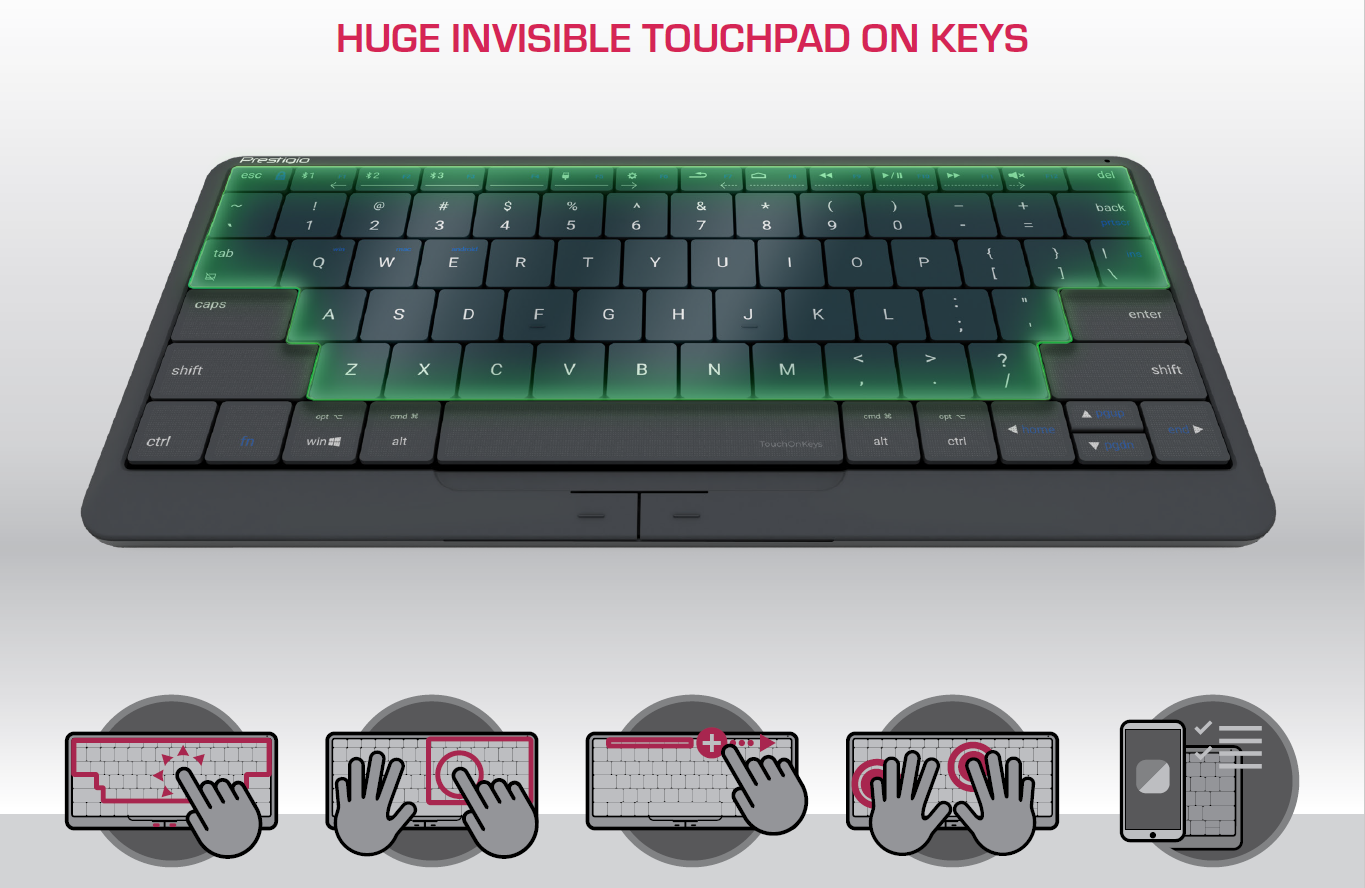
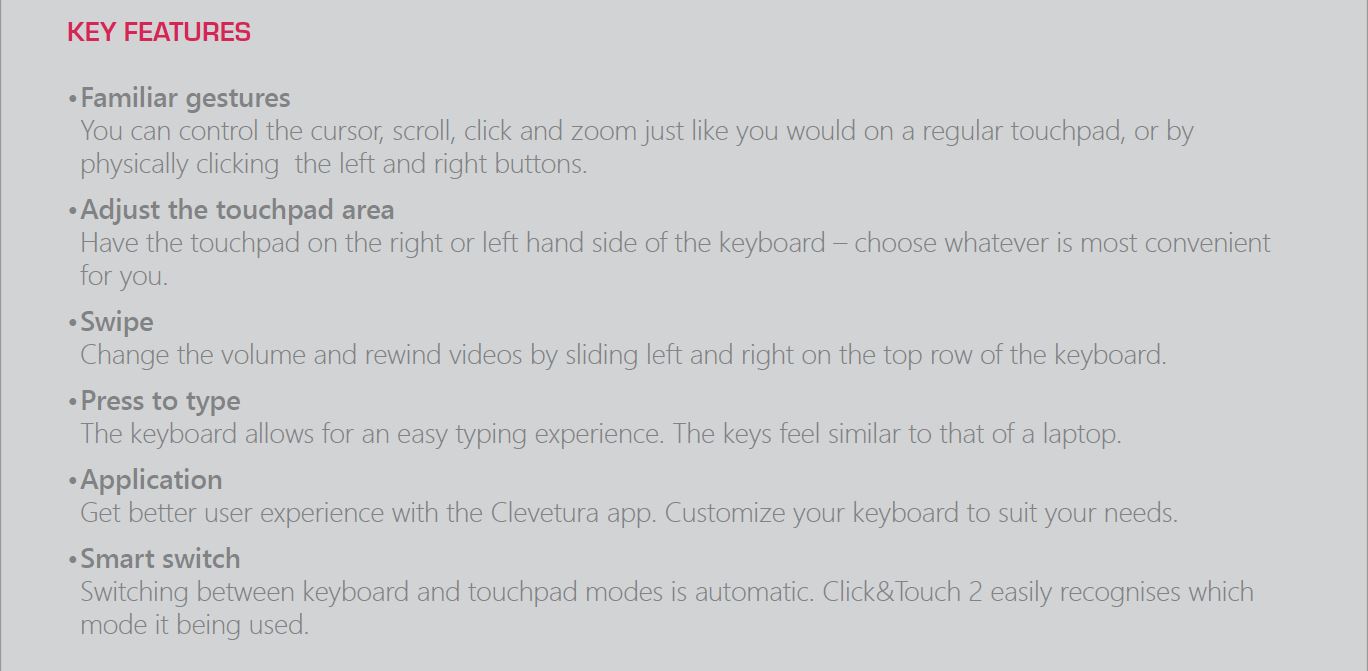
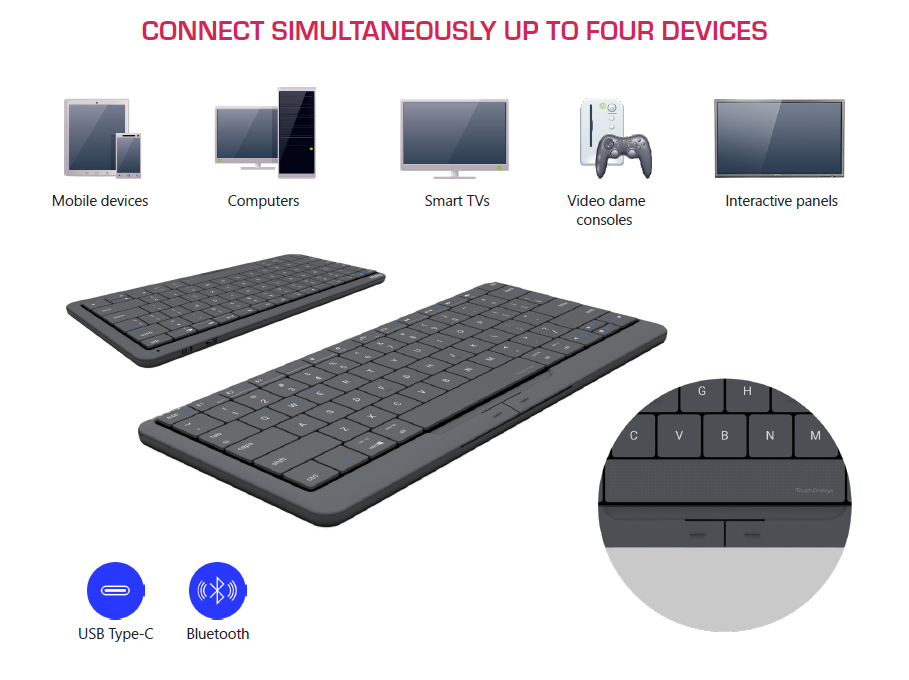
KEY FEATURES • Familiar gestures You can control the cursor, scroll, click and zoom just like you would on a regular touchpad, or by physically clicking the left and right buttons. • Adjust the touchpad area Have the touchpad on the right or left hand side of the keyboard – choose whatever is most convenient for you. • Swipe Change the volume and rewind videos by sliding left and right on the top row of the keyboard. • Press to type The keyboard allows for an easy typing experience. The keys feel similar to that of a laptop. • Application Get better user experience with the Clevetura app. Customize your keyboard to suit your needs. • Smart switch Switching between keyboard and touchpad modes is automatic. Click&Touch 2 easily recognises which mode it being used.

Product Details

KEY FEATURES • Familiar gestures You can control the cursor, scroll, click and zoom just like you would on a regular touchpad, or by physically clicking the left and right buttons. • Adjust the touchpad area Have the touchpad on the right or left hand side of the keyboard – choose whatever is most convenient for you. • Swipe Change the volume and rewind videos by sliding left and right on the top row of the keyboard. • Press to type The keyboard allows for an easy typing experience. The keys feel similar to that of a laptop. • Application Get better user experience with the Clevetura app. Customize your keyboard to suit your needs. • Smart switch Switching between keyboard and touchpad modes is automatic. Click&Touch 2 easily recognises which mode it being used.
Need deployment, procurement advice, or managed IT support?
Talk to Arista →

You may also like